AI Invoice Capture & OCR Software
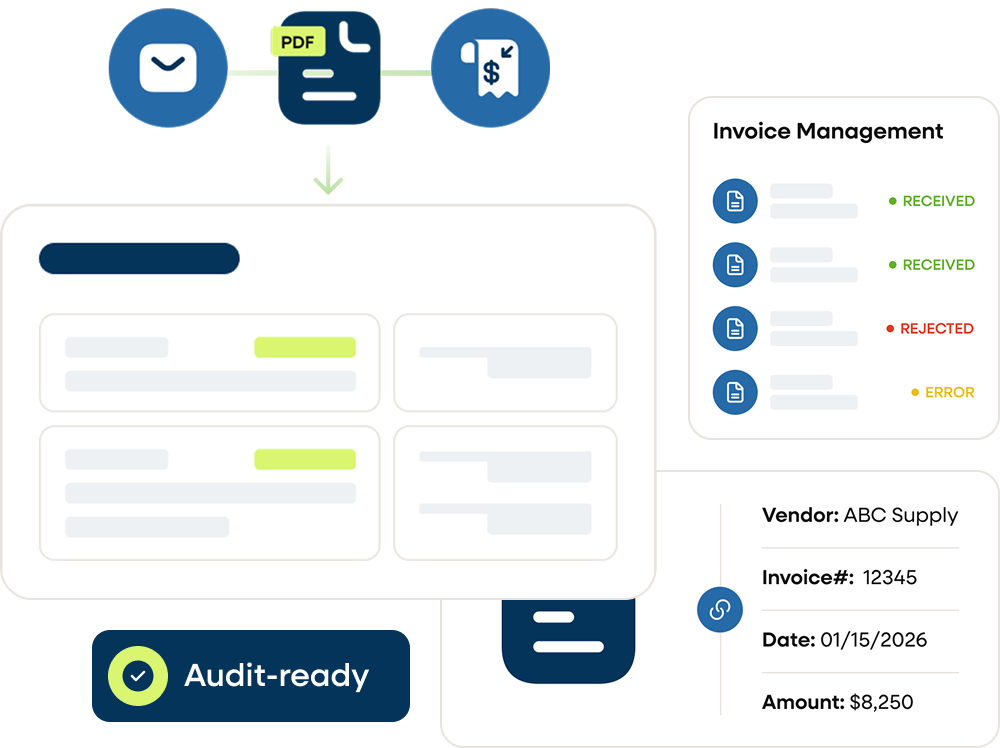
AI invoice capture that reads every supplier invoice from any channel, with specialist verification on anything uncertain.
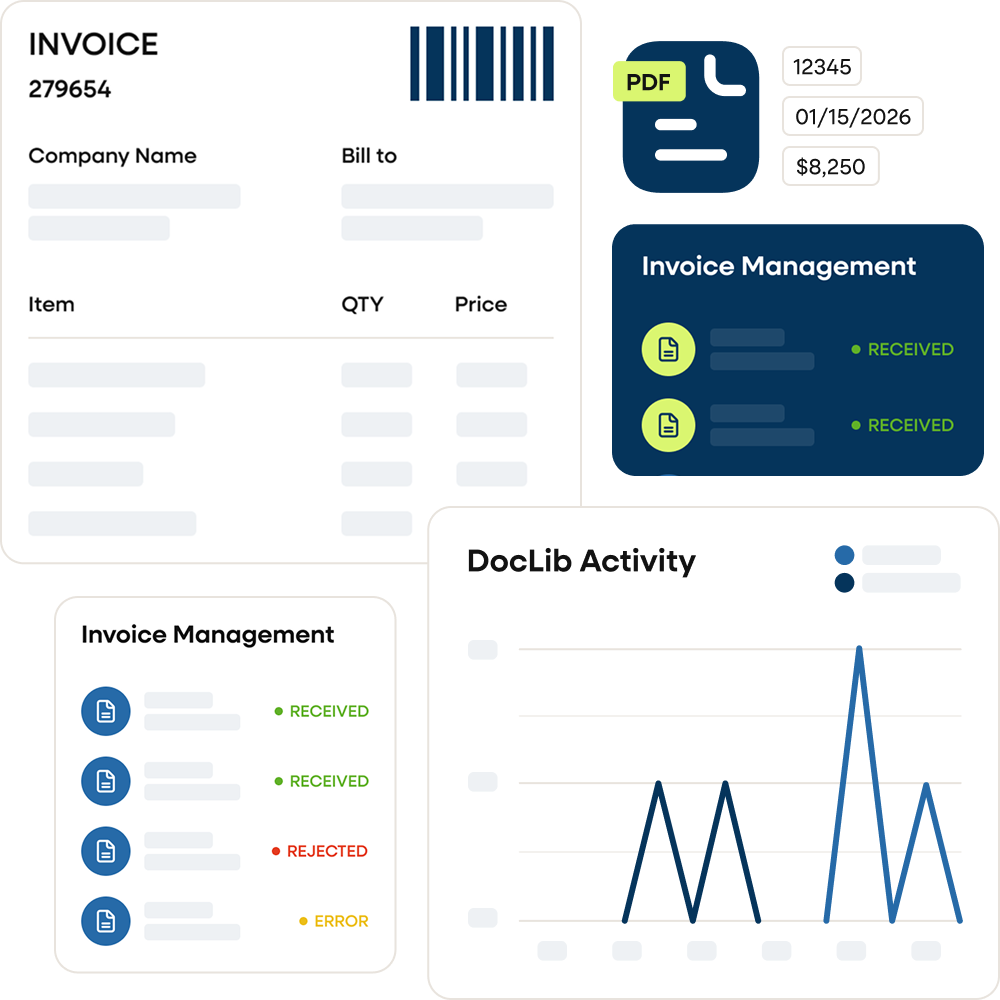
Manual invoice capture creates downstream processing delays
Finance teams often receive invoices in multiple formats — PDFs, email attachments, scanned documents, and supplier uploads. Manually reviewing and indexing these documents slows intake and creates inconsistencies before invoices even enter processing workflows.
Without structured invoice capture, teams face:


How DocLib’s AI reads your invoices
DocLib captures invoices from every channel and turns them into structured data with AI-powered, template-free OCR, ready for matching and approval.

Capture invoice data automatically from supplier documents
DocLib’s AI extracts key fields, including vendor details, invoice number, date, totals and tax, and turns them into structured records.
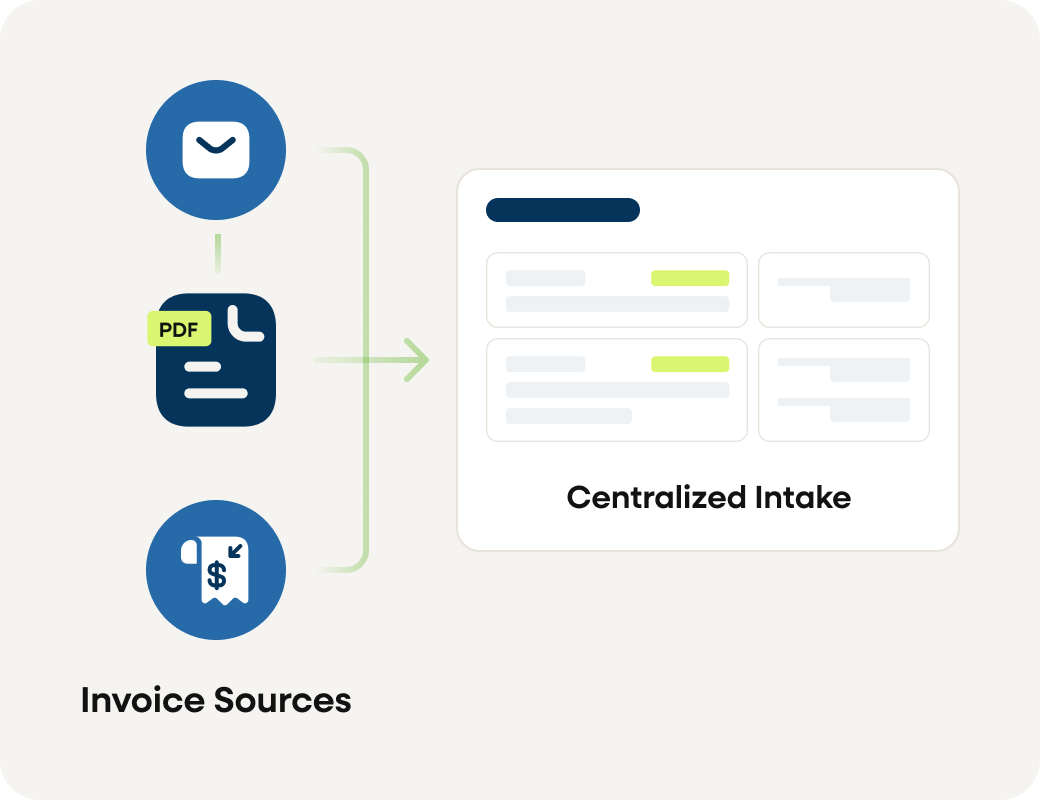
Multi-channel invoice capture
Invoices can be captured from multiple sources including email inboxes, document uploads, scanned files, or integrated supplier submission channels.
This allows organizations to consolidate invoice intake into a single processing workflow.
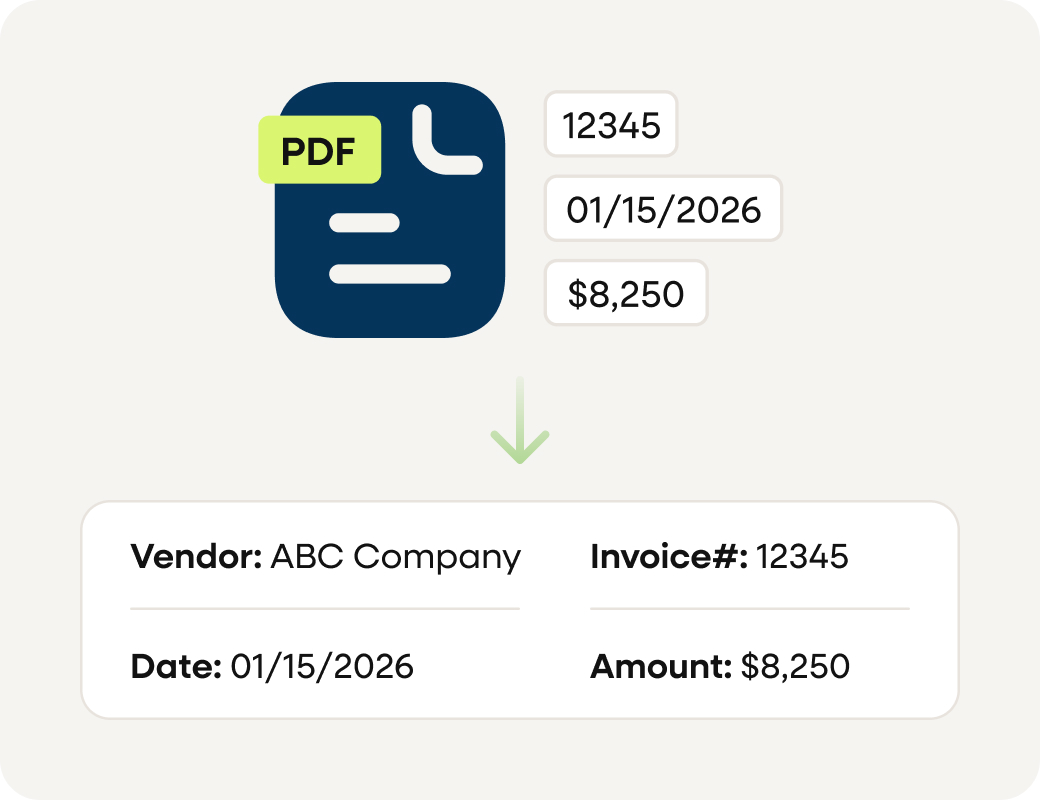
AI data extraction
DocLib’s AI extracts key fields such as vendor name, invoice number, date, totals and tax. Anything it isn’t confident about is verified by our specialists, so the data is right before it reaches your ERP.
Data validation and error detection
DocLib validates every invoice against live ERP vendor records, POs and your business rules, and checks for duplicates, so discrepancies surface before anyone acts on them.

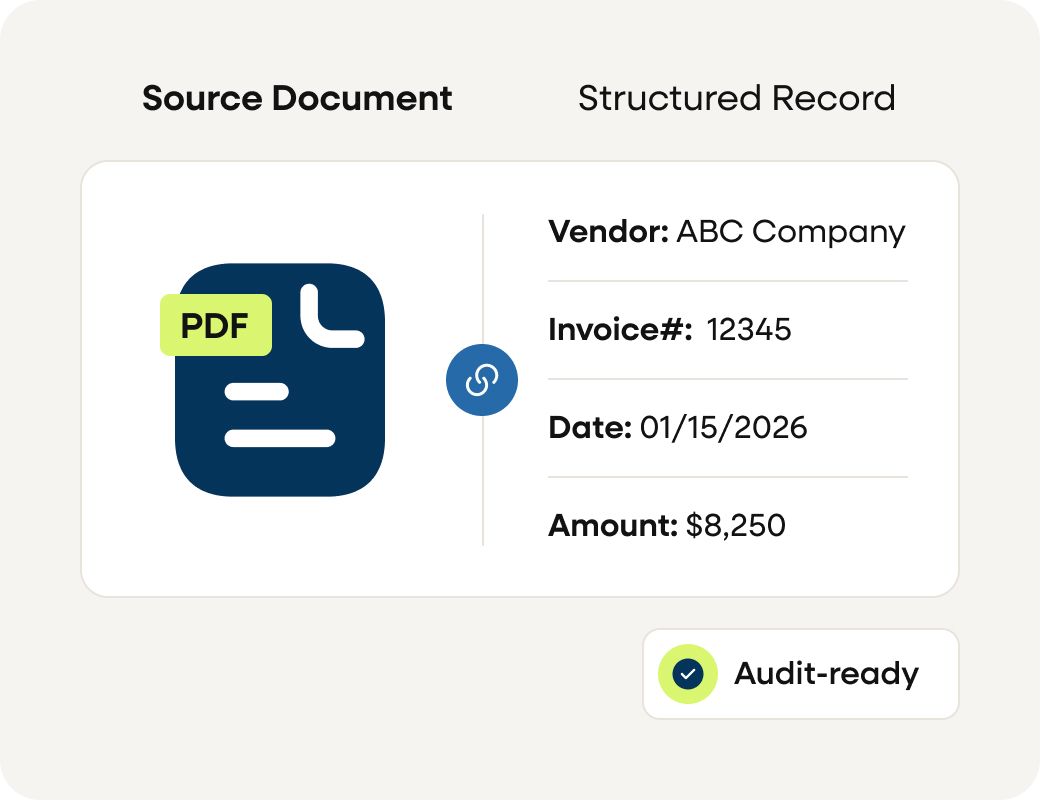
Structured invoice records
Once processed, every invoice and document is stored in DocLib with its full history, ready for matching, approval and audit.
Benefits for finance teams
DocLib’s Invoice Capture and Document Processing capabilities help organizations reduce manual invoice processing while improving invoice data accuracy.
Part of a connected workflow approach
DocLib helps organizations automate and gain visibility across related workflows while keeping their ERP at the center.

Agentic AI that reads, matches and posts every invoice to your ERP in real time.

Bring suppliers and buyers together. POs, invoices, ASNs, performance scorecards, and more — every buyer-supplier interaction in one place.

Customer POs are read down to the line, checked against your QAD data, and created as sales orders. Entry stops being the thing your orders wait on.

Extend automation into payment execution while maintaining financial visibility and control.
Real results from teams using DocLib


“DocLib helped us reach high touchless processing and reduce overtime. We saved over $400K in seven months, more than offsetting the cost of the system.”
— Accounting Manager, MiTek


“DocLib’s workflow routing eliminated a 1–3 week invoice approval process and reduced review time to about 15 minutes.”
— Finance, Nexteer Automotive


“With DocLib, we’ve achieved high touchless processing. Our purchasing, operations, and accounting teams run more efficiently and supplier account management is far more streamlined.”
— AP Manager, GS Operating
Capture supplier invoice data more efficiently
Automate invoice capture and document processing to reduce manual invoice entry across accounts payable operations.